
Tutorial · Meetings


Turn every meeting into actions
No more lost notes in a Drive. The call is captured, decisions become clear Open Space tasks, ready to assign.
Transcript + tasks · Optional mission follow-up · EU
I already have an account · Elric guides you on this goal only after you sign in.
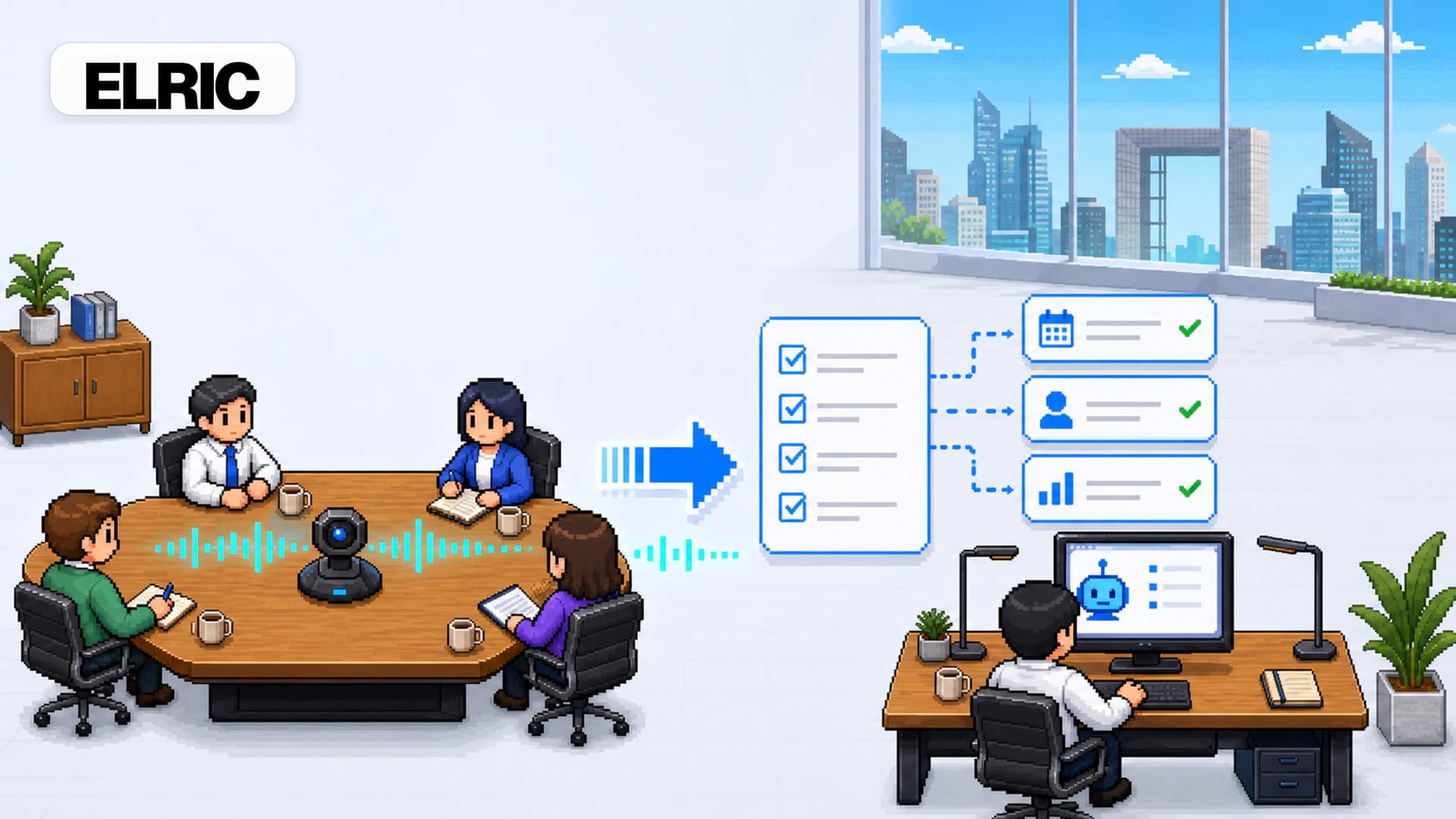
End of call → actions in Open Space
Express tutorial: deliver on the promise
Create your account and open Meetings
Sign up, then go to Meetings. Schedule or import the next call (calendar link if connected).
Enable the meeting agent on an upcoming slot
ELRIC joins (or tracks) the meeting, produces notes, and proposes actions. Check your plan’s meeting quota.
Turn actions into Open Space tasks
From the meeting detail, approve follow-ups: they become tasks visible in Open Space, assignable to an agent or a human.
Optional: “after every meeting” mission
To industrialize, create a mission triggered by the ELRIC “meeting ended” event.
When a meeting ends, summarize decisions, list actions with owner when mentioned, and create missing tasks. Email me the digest.
What you get in 5 minutes
- Meetings path located
- Notes → actions → tasks flow understood
- Mission phrase ready for post-meeting automation
- Account ready for the next recorded call
Quick FAQ
Do I need a bot on every call?
You choose which meetings to cover. Quota depends on plan. Start with sales calls or steering meetings where actions get lost.
Create your account and enable your first meeting agent
Try free